
Practical answers for connected places
Clear, experience-led guidance about WiFi, internet connections and the technology used in homes, businesses, hospitality venues and holiday parks.
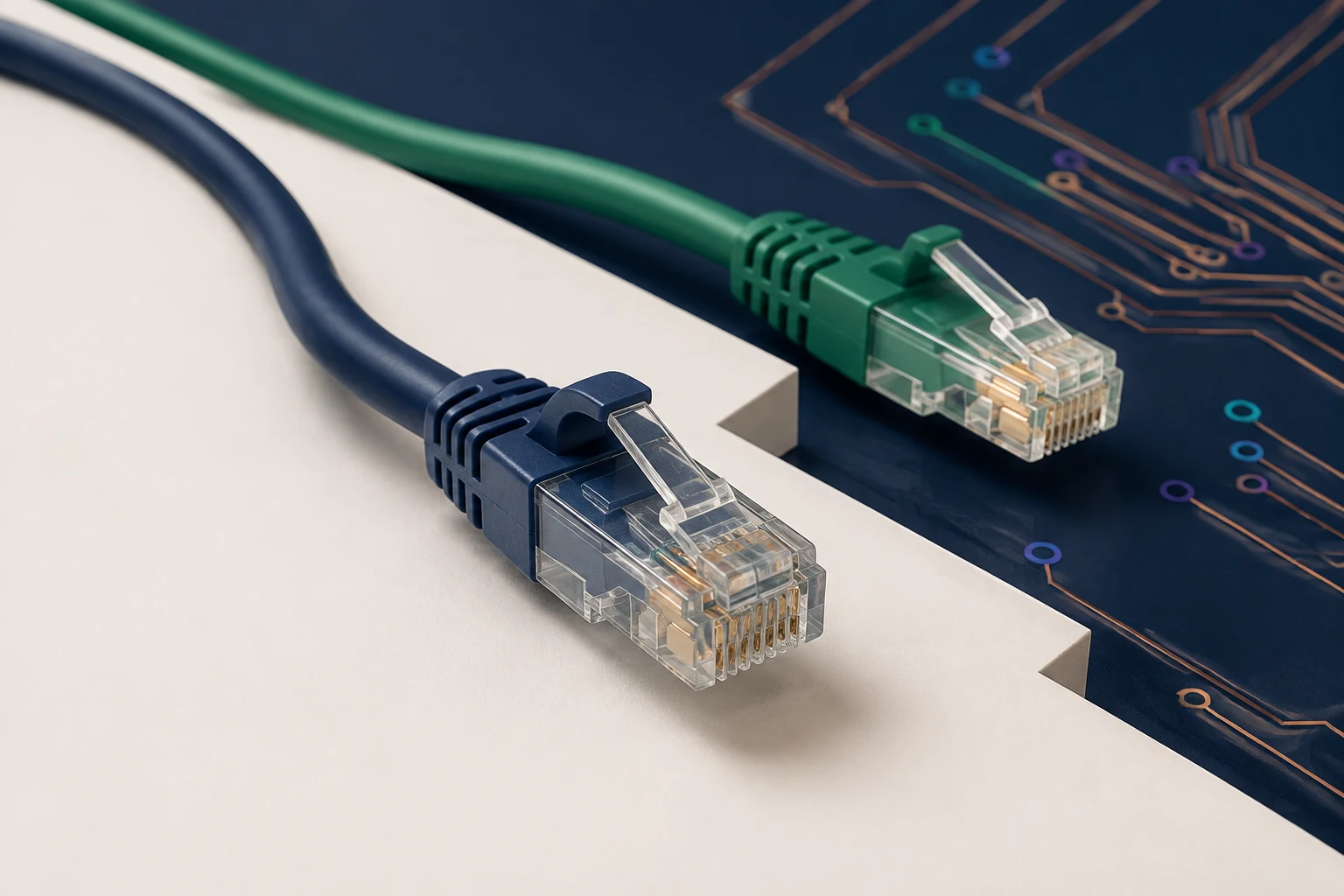
Ethernet Cables Explained
Compare Cat5e, Cat6 and Cat6A, look inside shielded cable, and understand speed, distance and Power over Ethernet.
All Knowledge guides
Every published guide is listed here. New topic areas will be added when there is enough useful material to make them worthwhile.
WiFi & RF Guides
Signal readings, coverage, materials and real installation conditions.
2 guides

WiFi Signal Strength Explained
Understand RSSI, dBm, practical signal ranges and why strong bars do not guarantee fast WiFi.

WiFi Signal Propagation
See how distance, frequency, walls, glazing, foliage and metal structures reshape coverage.
Wired networks & troubleshooting
Start with the visible symptom, then narrow down the device, app and network causes.
2 guides
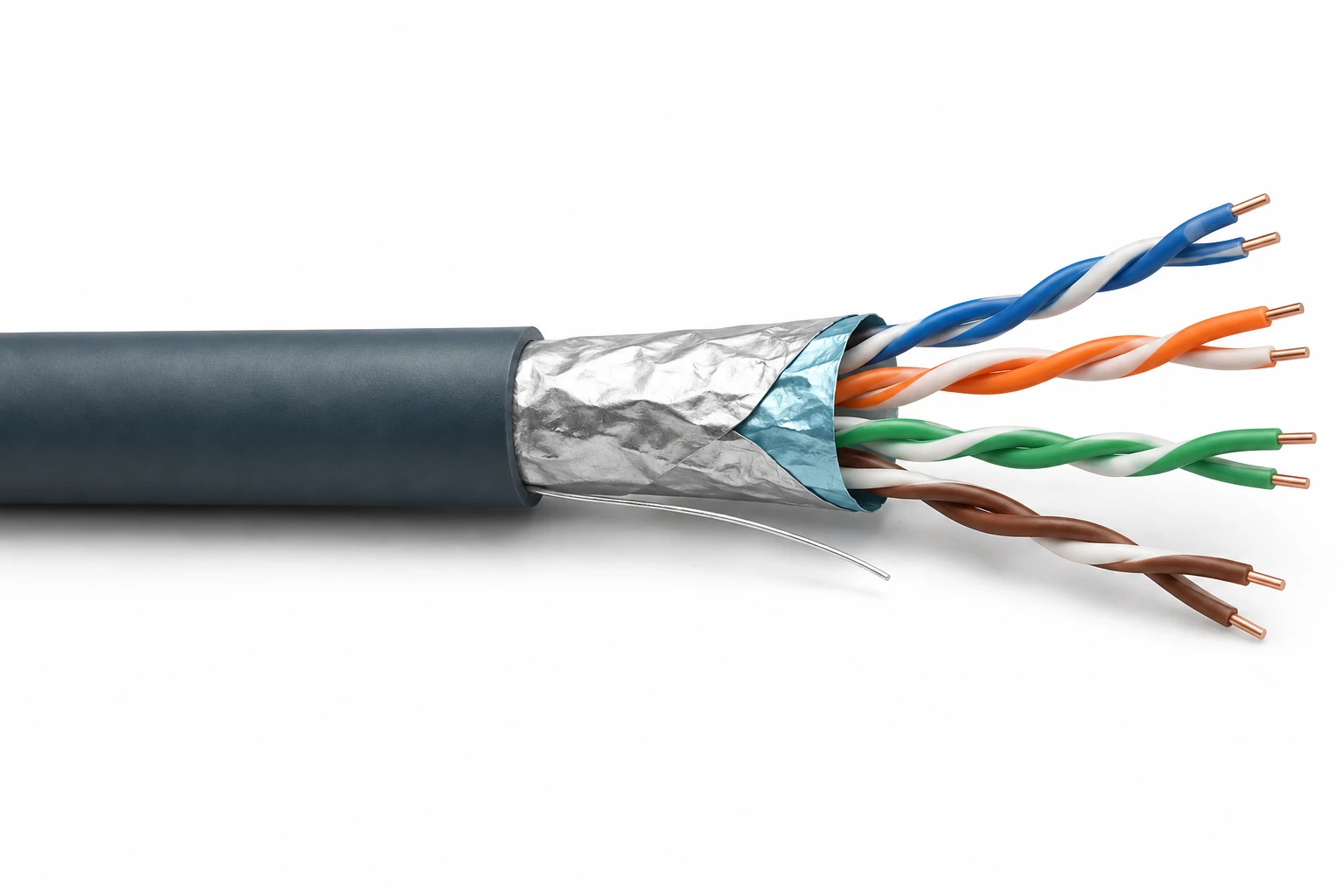
Ethernet Cables Explained
Cat5e, Cat6 and Cat6A, cable shielding, distance, PoE and checks for a slow wired link.

Streaming apps stuttering
Work through restart, app, device, WiFi and broadband checks without treating every pause as a network fault.
Guidance grounded in real installations
The aim is to explain what a measurement or symptom can tell you, what it cannot prove, and what to check next.
Technical terms are translated into the experience of using the network or device.
A single speed test, signal reading or symptom is not presented as a complete diagnosis.
Each guide helps you gather useful evidence and recognise when installation work may help.
Found the problem, but need help solving it?
Tell us what is not working, where connectivity is needed and what equipment is already in place. We will discuss the practical options without overstating what is required.